Tutorials
There are a few self-explanatory tutorials to show the functionality of abspy.
Content
tutorials/tutorial_primitive.py: Extracting primitives from point clouds (.vgand.bvgfiles) and reference meshes.tutorials/tutorial_complex.py: Creating cell complexes from planes and meshes.tutorials/tutorial_graph.py: Simple example of working with adjacency graphs.tutorials/tutorial_combined.py: Combining multiple operations into a workflow.tutorials/data/: Test data files used by the tutorials
Example
# load a point cloud in VertexGroup
vertex_group = VertexGroup(filepath=dir_tests / 'data' / 'test_points.vg')

# normalise the point cloud
vertex_group.normalise_to_centroid_and_scale()

# additional planes to append (e.g., the bounding planes), this example does not apply
additional_planes = [[0, 0, 1, -vertex_group.aabbs[:, 0, 2].min()]]  # the bottom of the points (z = d)

# initialise CellComplex from planar primitives
cell_complex = CellComplex(vertex_group.planes, vertex_group.aabbs, vertex_group.obbs, vertex_group.points_grouped,
                            build_graph=True, additional_planes=None)

# refine planar primitives
cell_complex.refine_planes(theta=0.1745, epsilon=0.005)

# prioritise certain planes (e.g., vertical ones), this example does not apply
cell_complex.prioritise_planes(prioritise_verticals=False)

# construct CellComplex
cell_complex.construct()

# print info on the cell complex
cell_complex.print_info()

# cells inside reference mesh
cells_in_mesh = cell_complex.cells_in_mesh(dir_tests / 'data' / 'test_mesh.ply')

# visualise the inside cells (only if pyglet installation is found and valid indices are provided)
if len(cells_in_mesh):
    try:
        cell_complex.visualise(indices_cells=cells_in_mesh, temp_dir=str(dir_tests) + '/output/')
    except (Exception, ImportError) as e:
        print(f'visualization skipped: {e}')

# build adjacency graph of the cell complex
adjacency_graph = AdjacencyGraph(cell_complex.graph)

# assign weights to n-links and st-links to the graph
adjacency_graph.assign_weights_to_n_links(cell_complex.cells, attribute='area_overlap',
                                            factor=0.001, cache_interfaces=True)
adjacency_graph.assign_weights_to_st_links(
    {c: 0.8 if c in adjacency_graph.to_uids(cells_in_mesh) else 0.2 for c in adjacency_graph.uid})

# perform graph-cut to extract surface
_, _ = adjacency_graph.cut()

# save surface model to an OBJ file
adjacency_graph.save_surface_obj(filepath=dir_tests / 'output' / 'surface.obj', engine='mesh')
The above code (from tutorials/tutorial_combined.py) shows how to reconstruct a compact, watertight surface from an input point cloud.
Input point cloud |
Reconstructed surface |
|---|---|
|
|
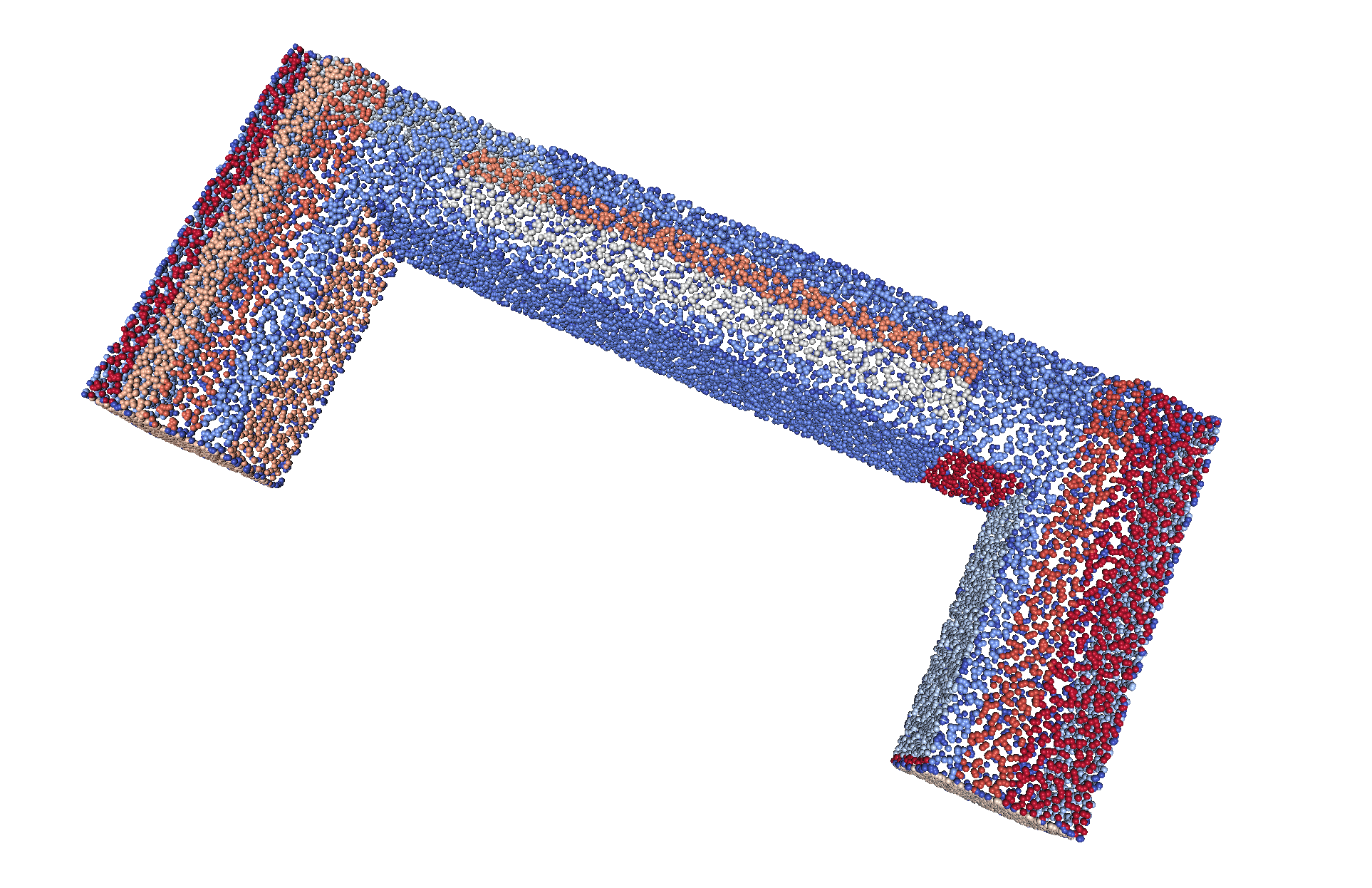
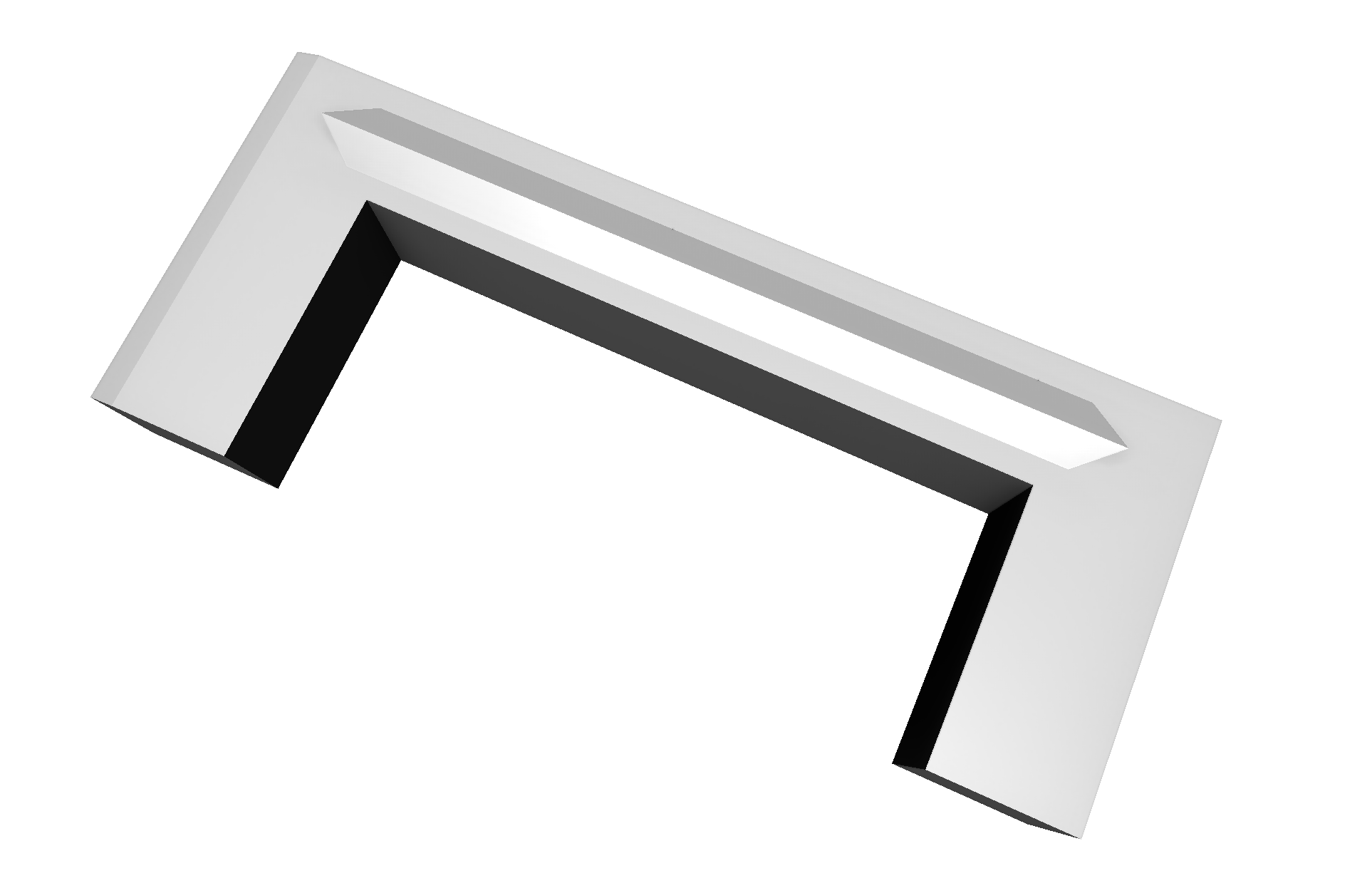
For more detailed API, please refer to the abspy documentation.